AI Neural Alignment
When you add a karaoke effect to a translated line, each translated word has to light up at the right musical moment. By default this timing is worked out proportionally — free and instant, but approximate. AI Neural Alignment is the optional, one-credit upgrade that places each translated word on its exact moment, using a neural model trained to match words across languages.

Why word timing is hard
Two languages rarely say the same thing with the same words in the same order. Take English "I love her" and its French "je l'aime" — three words become two, and "her" has no separate word in French (it's baked into the verb). A purely proportional split — sharing the line's time by word length — has no way to know that "love" should land on "aime"; it just spreads the words evenly and hopes for the best.
Neural alignment instead reads the meaning of each word in both languages, matches them up, and transfers the musical timing of each original word onto the translated word that corresponds to it. Words with no direct equivalent (articles, added prepositions, a pronoun like "her") are then placed smoothly between their neighbors, so the line always flows.
When you need it — and when you don't
Neural alignment is a quality option, not a requirement. The free proportional timing is often perfectly fine. Here's an honest guide:
| Your situation | Recommended option |
|---|---|
| Just checking the overall look of the translation | ✅ Free (proportional) |
| Source and target are structurally close (e.g. Spanish ↔ Portuguese) | ✅ Free is often enough |
| You're publishing the video and quality matters | ✅ Neural |
| The two languages reorder words a lot (e.g. Japanese ↔ French) | ✅ Neural (this is where it shines) |
| A professional or commercial video | ✅ Neural |
Preview your video with the free timing first. If the translated words already feel in time, you may not need the neural option at all. Turn it on when you can see the words drifting from the beat, or when the result really has to be flawless.
Turning it on
The neural option lives at the bottom of the karaoke effect block on the translated line. It only appears once you've chosen an effect — Word by word or Letter by letter — because there's nothing to place precisely under No effect.

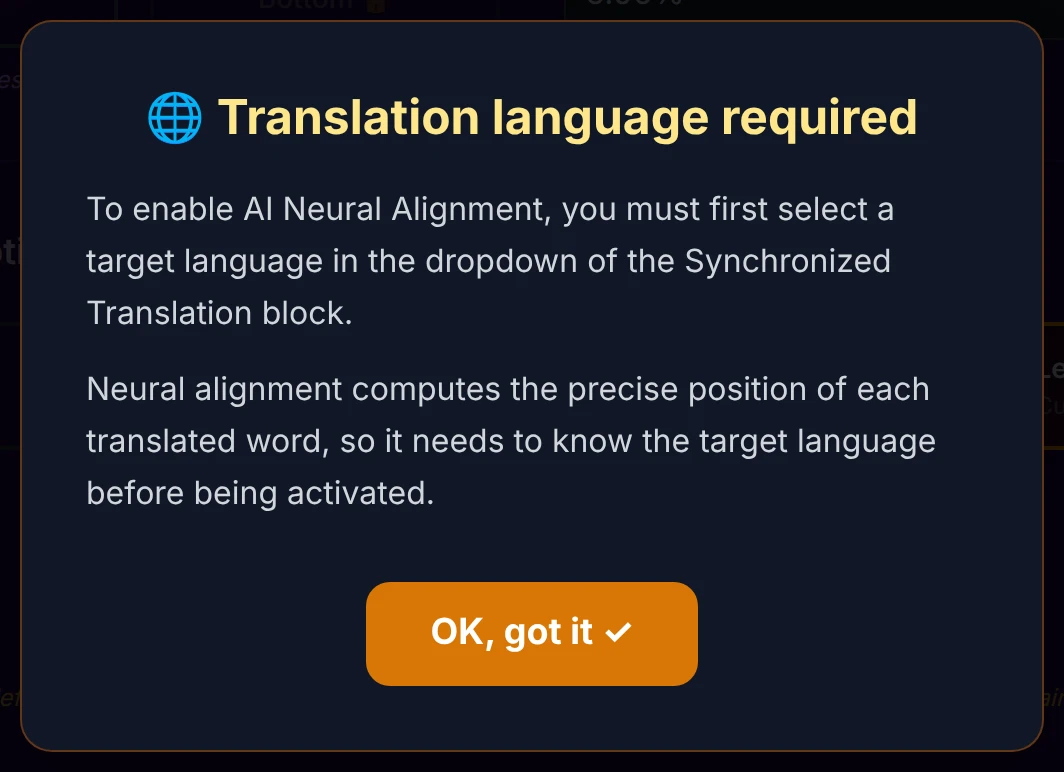
It also needs to know which language it's aligning to. If you flip the switch before choosing a translation language, a reminder appears and the switch stays off until a language is set:
The first time you enable it in a session, a modal explains exactly what you're activating:
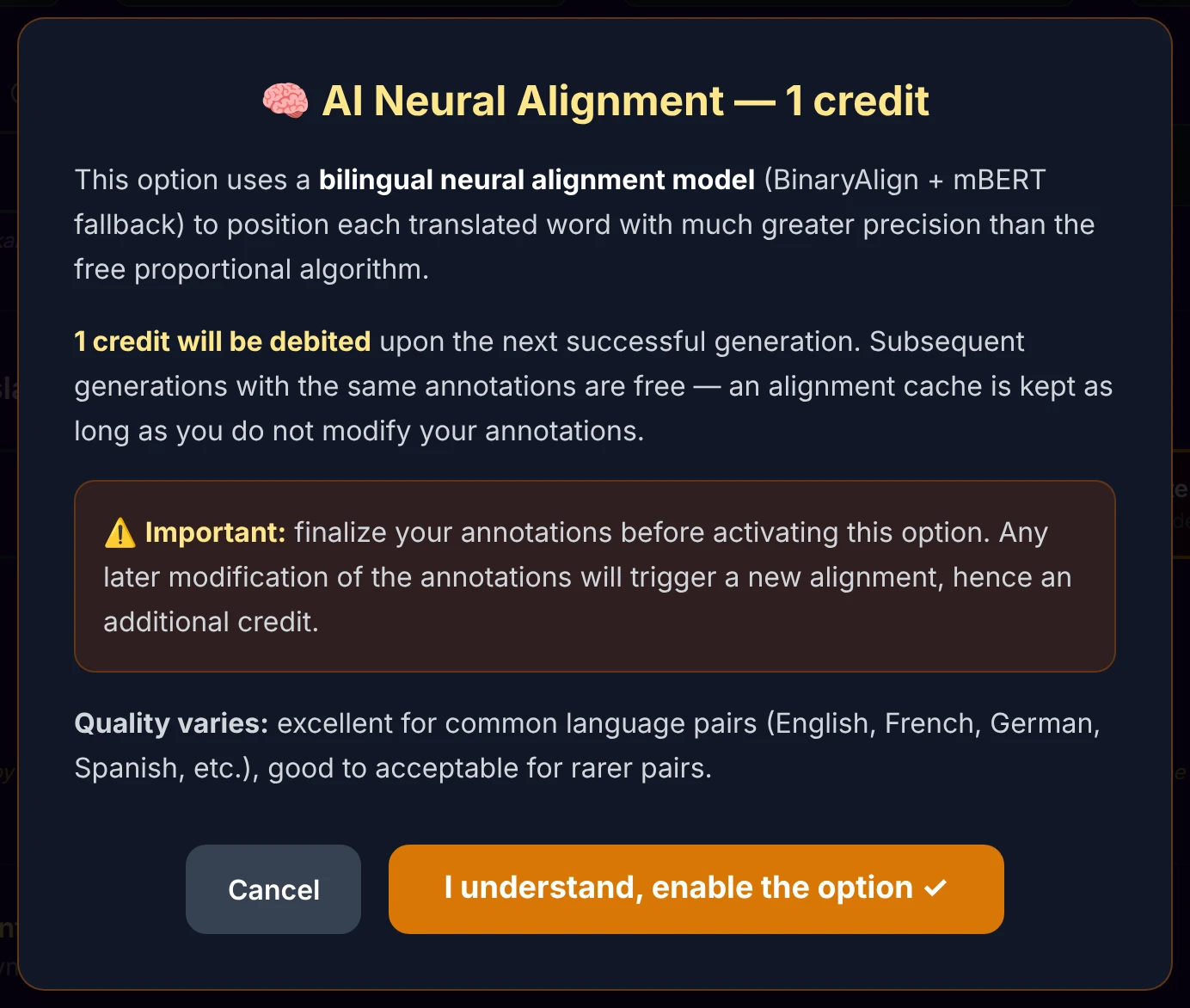
Neural alignment is computed from your word timings, so get your annotations right before turning it on. If you change your annotations afterwards, the alignment has to be recomputed — which means another credit (see What one credit covers below).
How the model is chosen
You never pick a model — the app runs an automatic cascade and always uses the best one available for your language pair, falling back only when it has to. There are three neural levels, plus a free safety net:
- Specialized model 🏆 — for the five pairs with a dedicated BinaryAlign checkpoint: French, German, Romanian, Chinese and Japanese ↔ English (both directions). Highest quality.
- General-purpose model ✅ — the general BinaryAlign checkpoint (ALIGN6), used for every other pair. It was trained on six reference pairs (Dutch, Czech, Hindi, Turkish, Spanish, Portuguese ↔ English) but, being multilingual, handles far more combinations — usually with no visible difference.
- Multilingual fallback 🌍 — a broad multilingual model (mBERT), used only if BinaryAlign can't run for technical reasons. Reliable across a very large number of languages, if a notch below the specialized models.
- Free proportional fallback — if every neural model fails, the app silently falls back to the free proportional timing. No credit is charged in that case.
The result message after generation
Once the alignment runs, a short modal tells you which model was used — a nice bit of transparency. There are four possible outcomes:
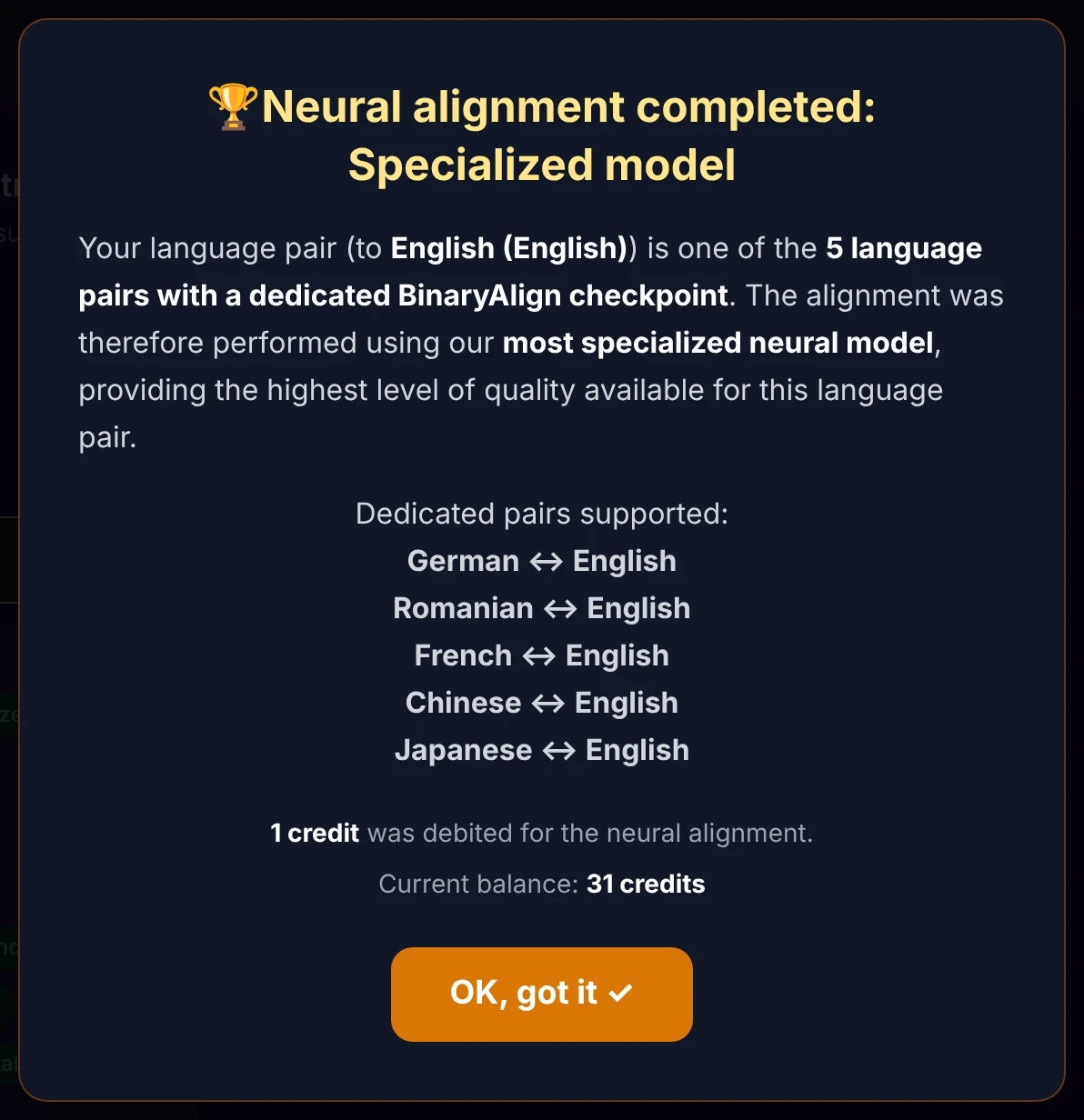
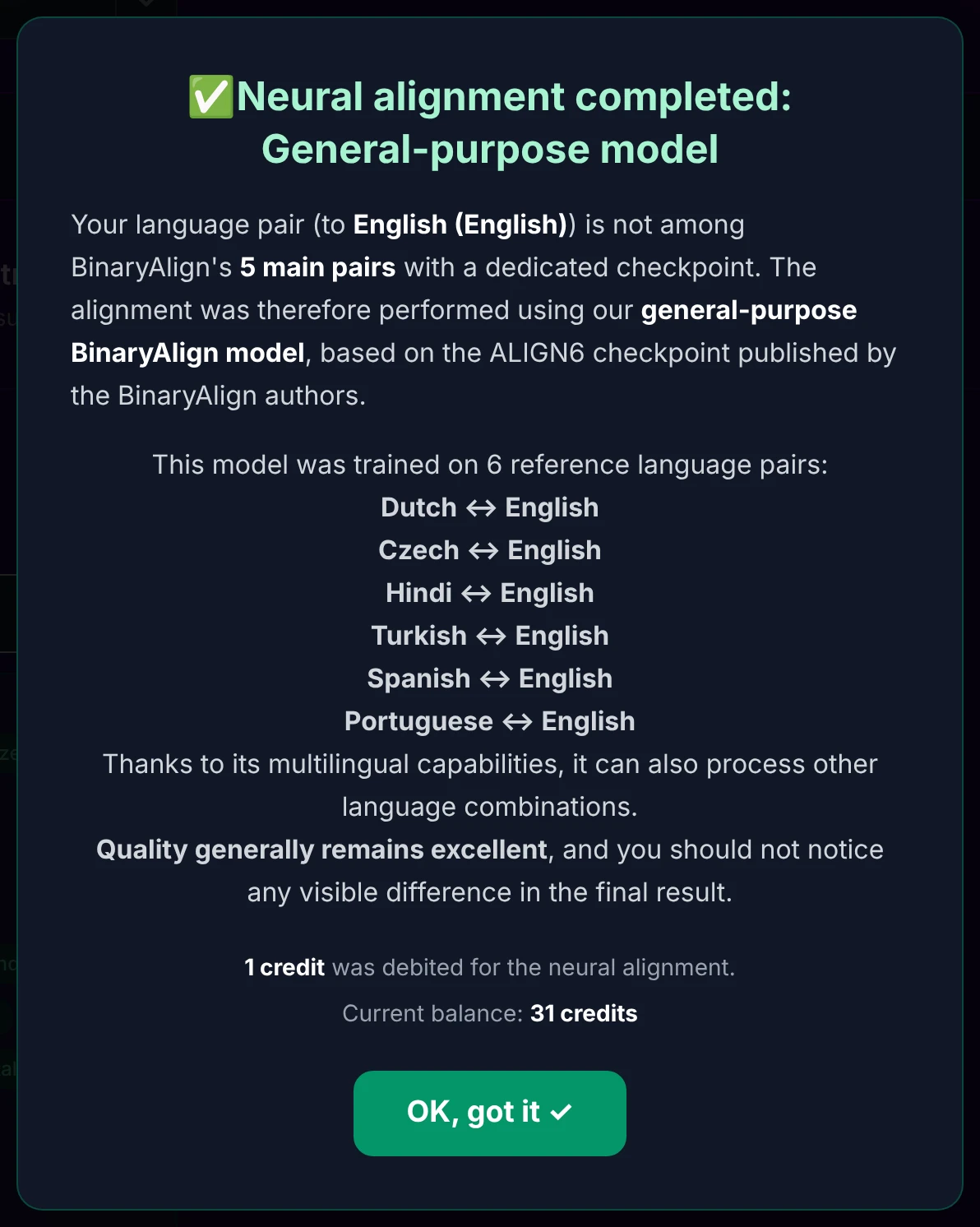
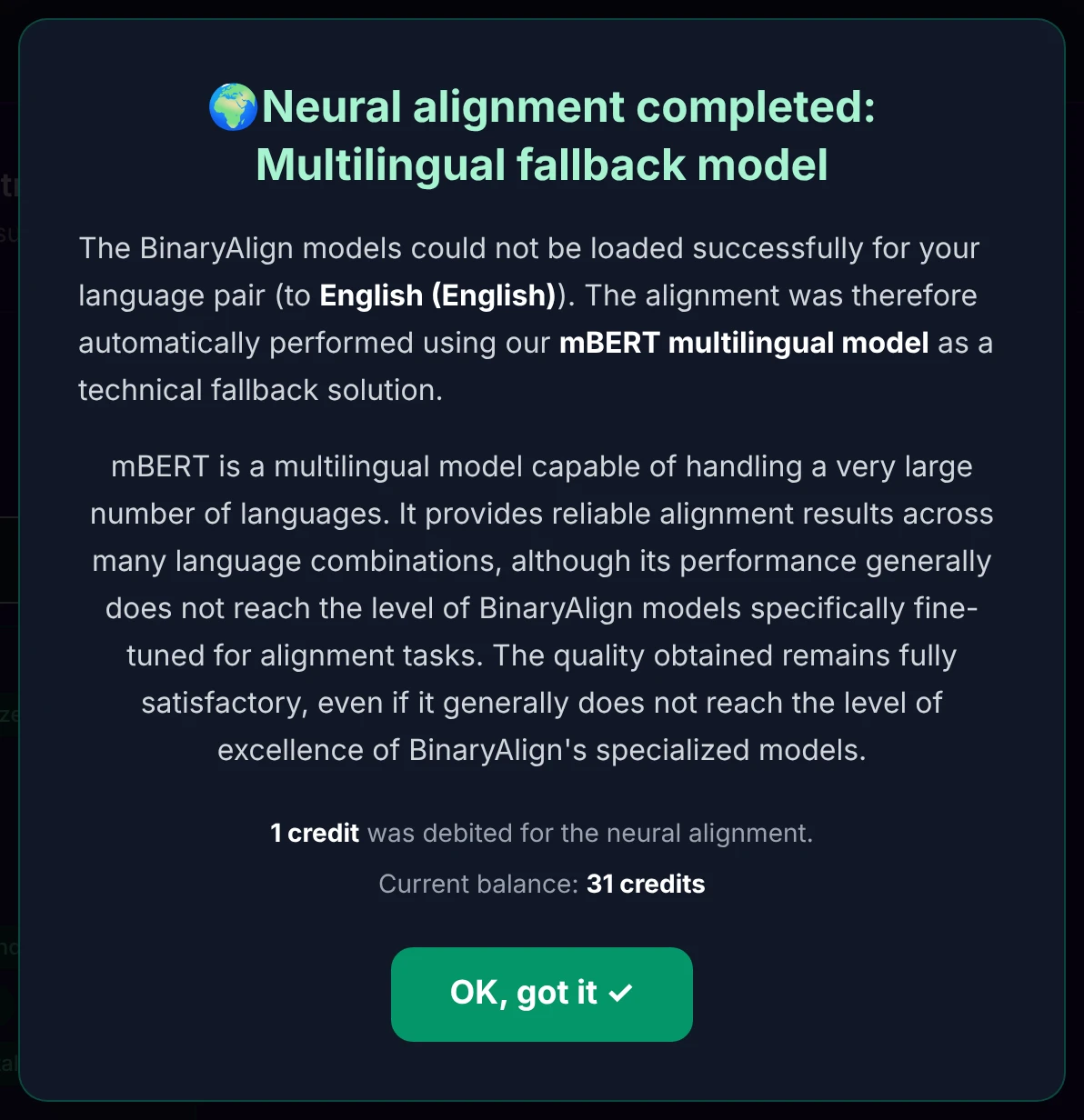
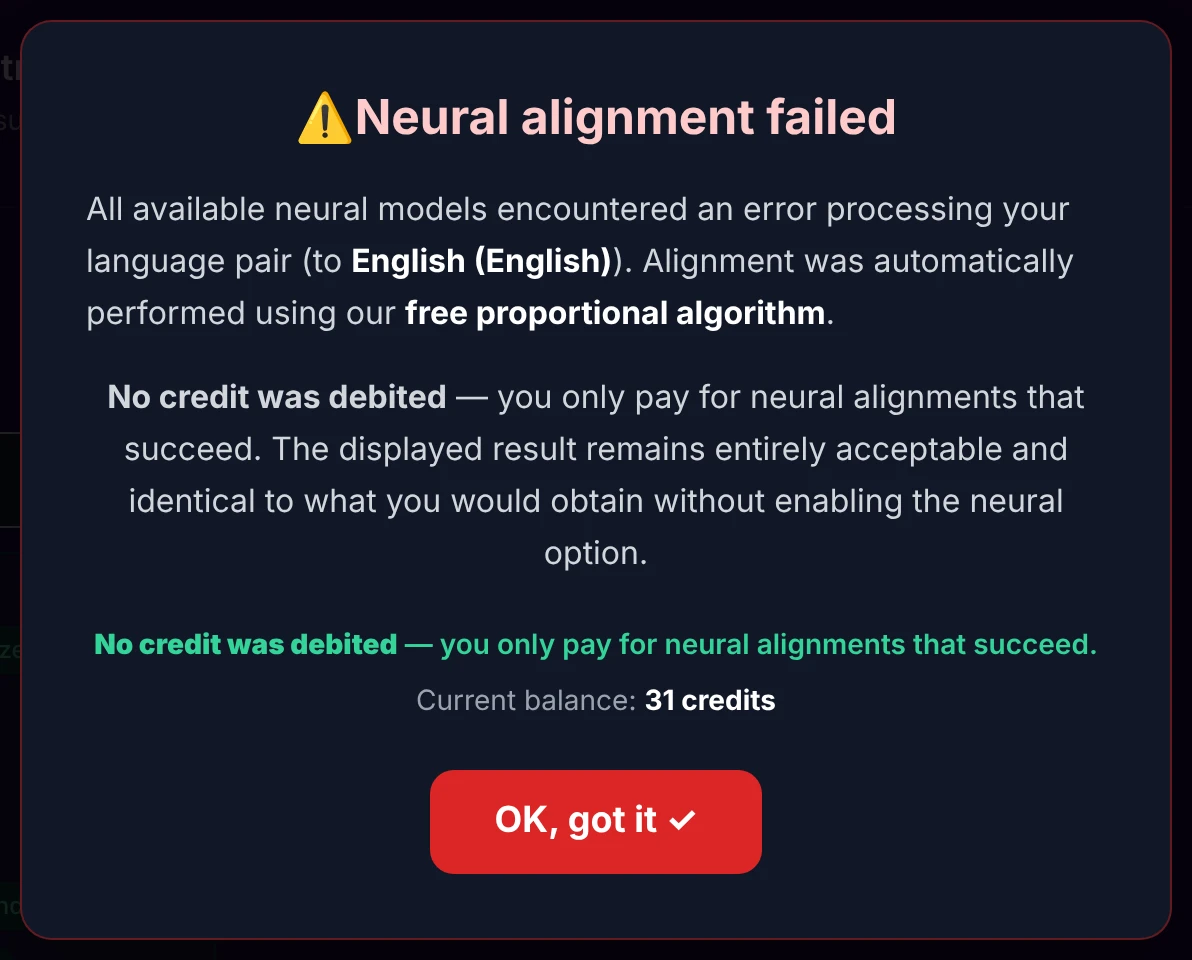
The first three each completed successfully and debit 1 credit. The fourth is the safety net: everything failed, the free timing took over, and nothing was charged.
What one credit covers
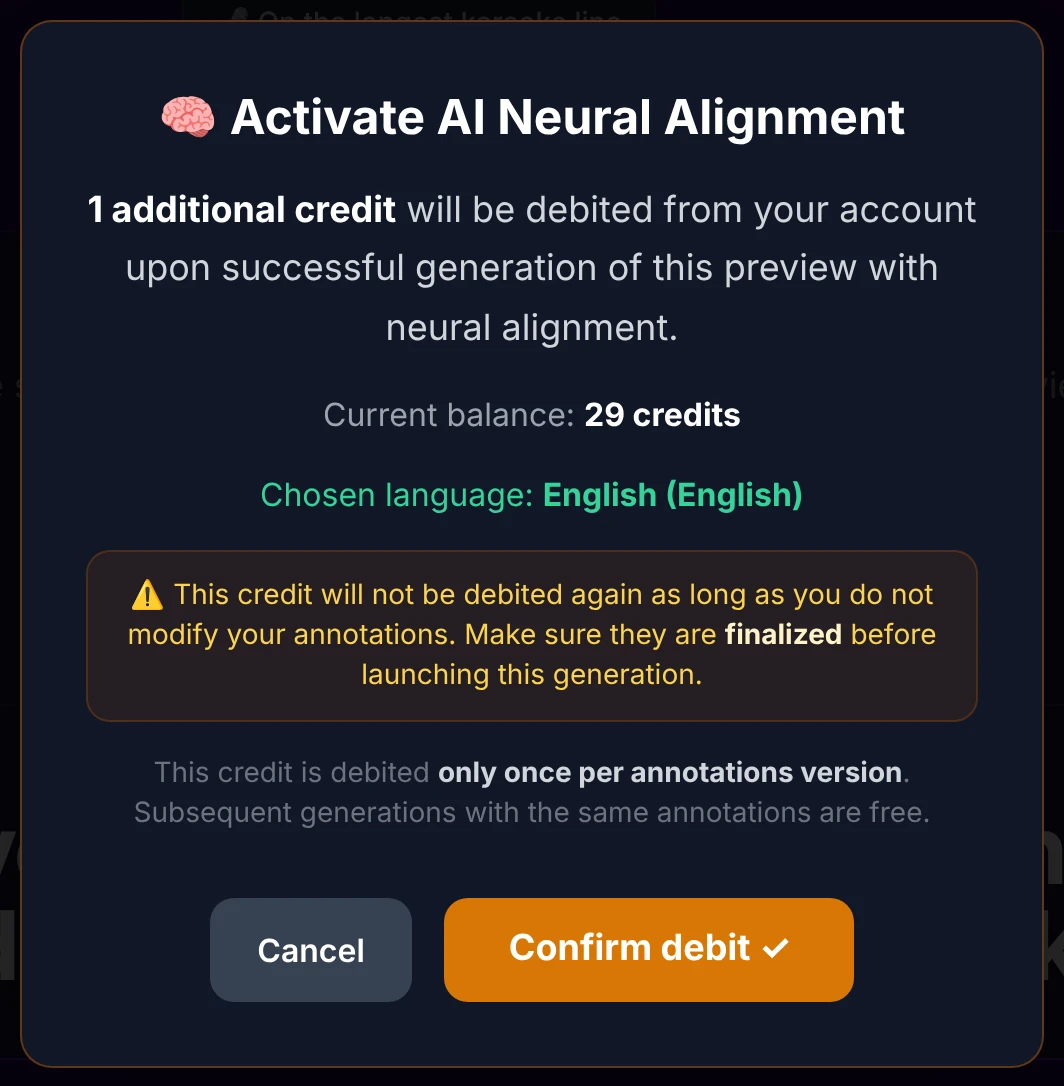
Neural alignment costs 1 credit, taken only on the first successful generation — and, crucially, once per version of your annotations. As long as you don't touch your annotations, regenerating (previews or full videos) reuses a cached alignment for free.
Just before that first generation, a confirmation recalls the debit:
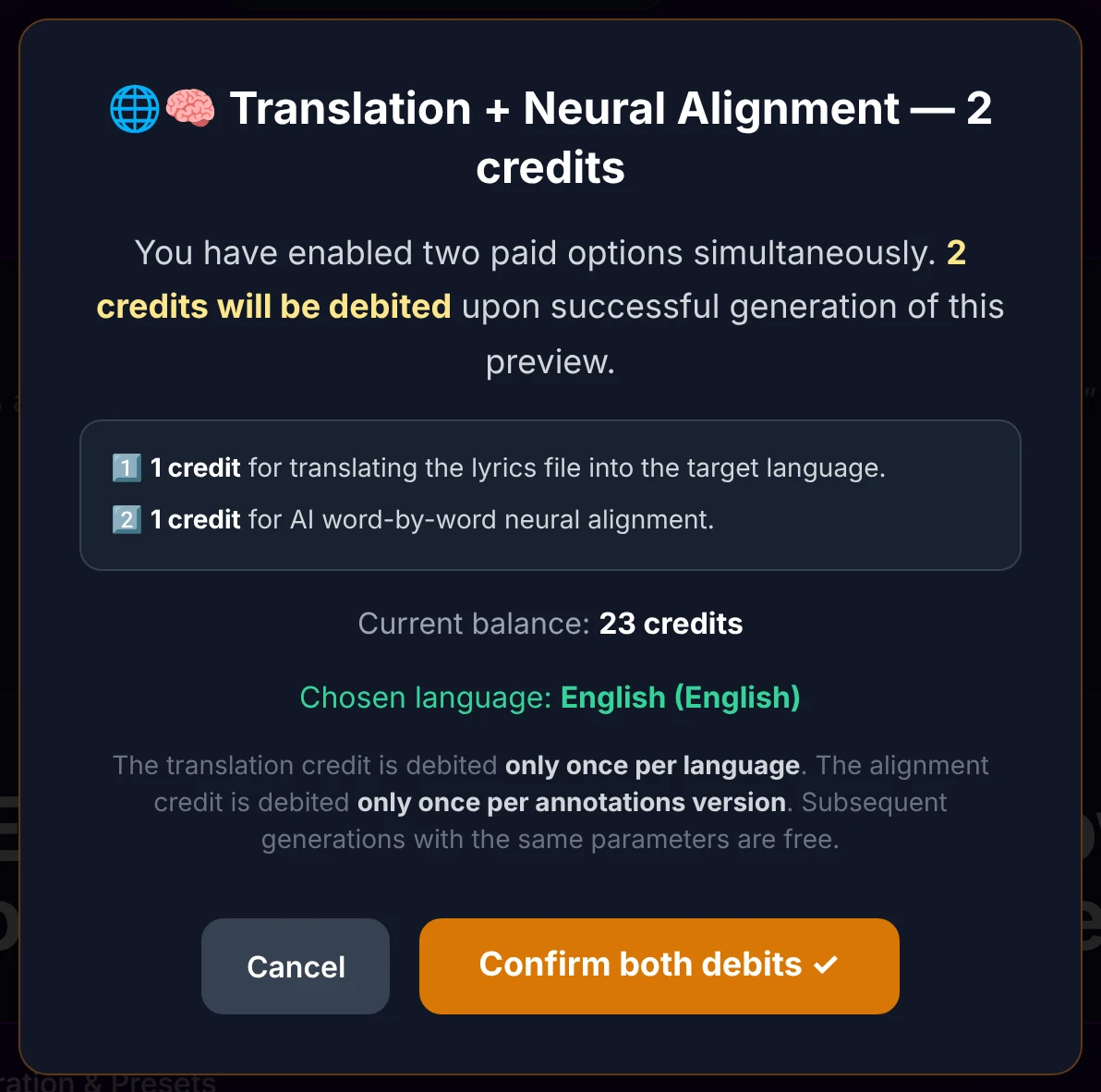
If you enable both the translation and neural alignment for the first time at once, the two debits are shown together — 2 credits, one for the translation, one for the alignment:
If you've already paid for an alignment this session and you change your annotations, a new alignment is needed. The app detects the change automatically (via a signature of your annotations) and warns you — but you only pay if it's actually recomputed:
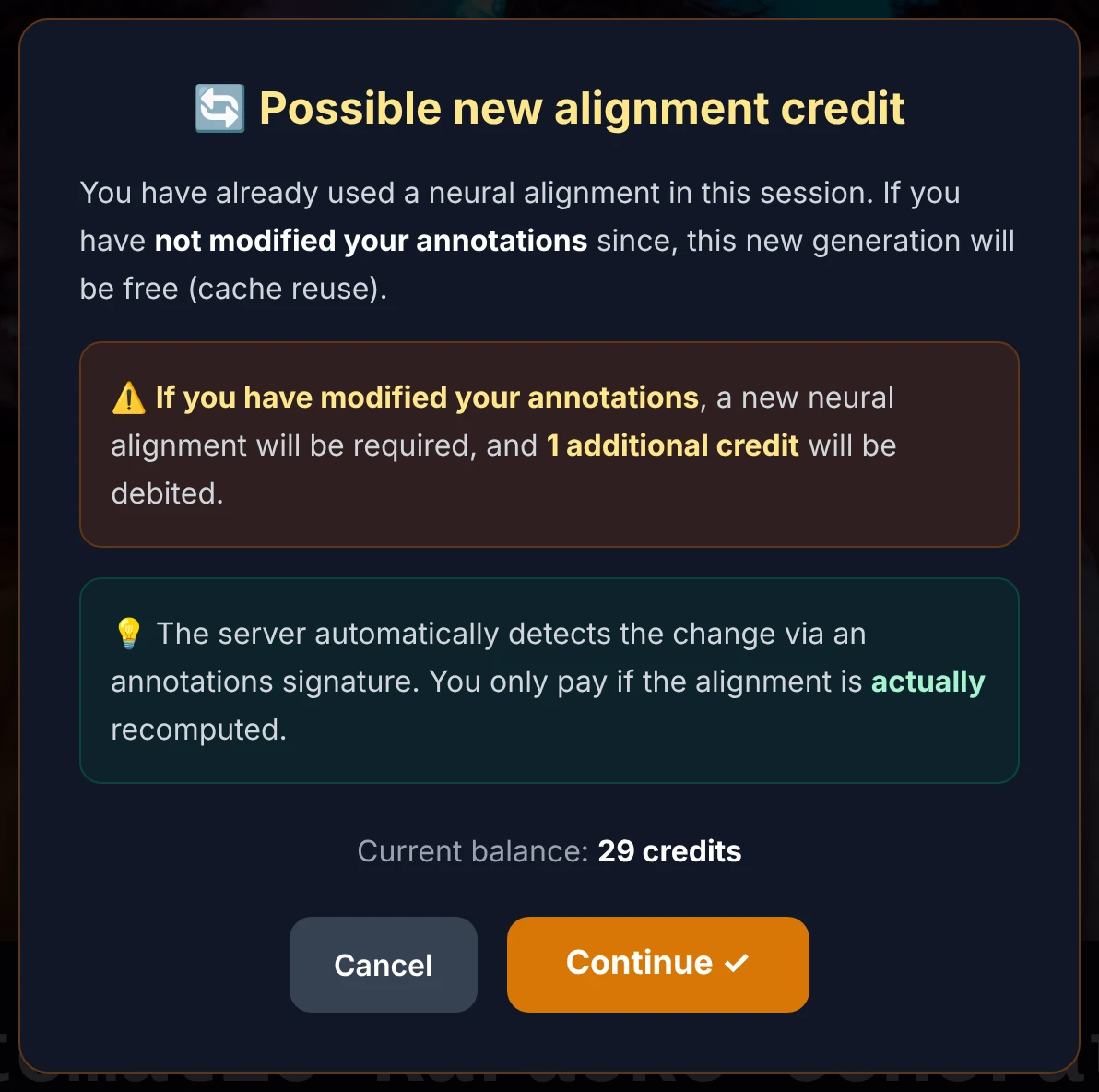
As with the translation, there's no button to launch the alignment — you enable it and it runs at the start of your next generation. If it can't be computed, the free timing is used and no credit is taken.
How long it takes
Neural alignment runs at roughly 3 to 5 seconds per subtitle line, so the total is proportional to the length of your song:
| Song length | Estimated time |
|---|---|
| Short (under 30 lines) | 1–2 minutes |
| Standard (30–60 lines) | 2–4 minutes |
| Long (over 60 lines) | 4–6 minutes |
A progress bar shows during the analysis. These figures are indicative and can vary with server load.
How good is it?
In practice, 82–95% of translated words land on their exact musical moment; the rest (words with no direct equivalent) are interpolated so smoothly that it's invisible on screen. Quality depends on the pair:
- Excellent — the five specialized pairs (French, German, Romanian, Chinese, Japanese ↔ English).
- Very good — most other common pairs, via the general-purpose model.
- Good, and always better than the free option — rarer or very distant pairs, via the multilingual fallback.
A more literal translation aligns better than a very free or poetic one — but in every case, the result is at least as good as the free proportional timing, never worse.
Going further — the technology (for the curious)
AI Neural Alignment is built on BinaryAlign, a state-of-the-art word-alignment method published at ACL 2024 (BinaryAlign: Word Alignment as Binary Sequence Labeling, arXiv:2407.12881), itself based on the multilingual mDeBERTa-v3 language model. The app ships dedicated checkpoints for five language pairs and a general checkpoint (ALIGN6) for everything else. If a checkpoint can't be loaded, a multilingual mBERT model (104 languages) takes over as a technical fallback, and if even that fails, the free proportional algorithm is used at no charge.
The model compares the meaning of every source word with every translated word, transfers the original word-by-word timings onto the matching translated words, then fills any gaps so the line never flickers. The output is a standard subtitle file, identical in format to your original karaoke subtitles.
Set up the translated line itself — language, editing, styling and the karaoke effect — on the Add a synchronized translation line page. And remember: neural alignment mirrors the timing of your original subtitles, so the surest path to a flawless result is a clean pass in the waveform editor first.