Credits & pricing
KaraokeClip runs on prepaid credits — no subscription, no hidden fees, no surprises. You buy credits once, and they're spent only when a service is actually delivered. This page is the complete reference: what a video costs, what's included, what's optional, and exactly when a credit is charged.
A standard karaoke video costs 5 credits in total. Everything below is simply where those credits go — and where they don't.
What a credit is
A credit is the single unit you spend across KaraokeClip. You buy credits on the main site, and:
- They never expire — buy a bigger pack for a better unit price, with no pressure to use them quickly.
- They're transferable between accounts — handy for offering credits to a client, or giving a family member occasional access.
- You only pay for success — if a step fails on our side, nothing is charged (see When a credit is not charged).
→ Buying and topping up is covered in Getting started. This page focuses on how credits are spent.
What a full karaoke video costs
For a standard video — Tier 1 (up to 15 minutes and 1 GB) — the total is 5 credits, whichever way you provide the lyrics. The credits are simply spent at different moments along the way.
If you provide the lyrics yourself (.txt file)
| When | What it covers | Credits |
|---|---|---|
| Arriving in the editor | Audio separation, word-by-word alignment, and access to the editor | 2 |
| Generating the final video | Encoding your finished, watermark-free video | 3 |
| Total | 5 |
If KaraokeClip transcribes the lyrics for you
| When | What it covers | Credits |
|---|---|---|
| Arriving on the transcript screen | Automatic transcription and access to the correction screen | 1 |
| Arriving in the editor | Word-by-word alignment and access to the editor | 1 |
| Generating the final video | Encoding your finished, watermark-free video | 3 |
| Total | 5 |
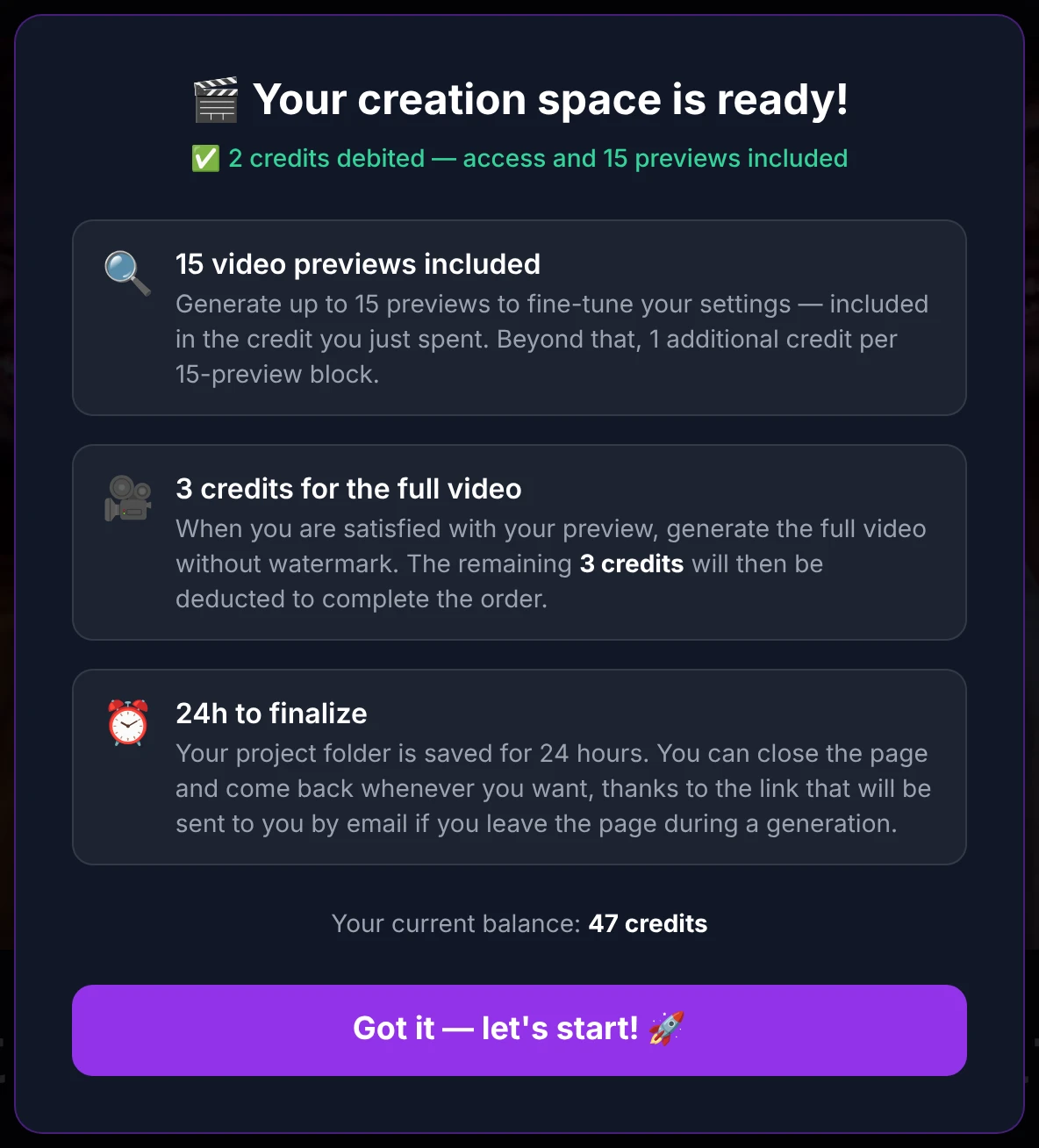
The two lyrics paths do slightly different work, so the credits land at slightly different moments — but a standard video is 5 credits either way. The final-video step is always 3 credits, whatever the tier (see below).
The three size tiers
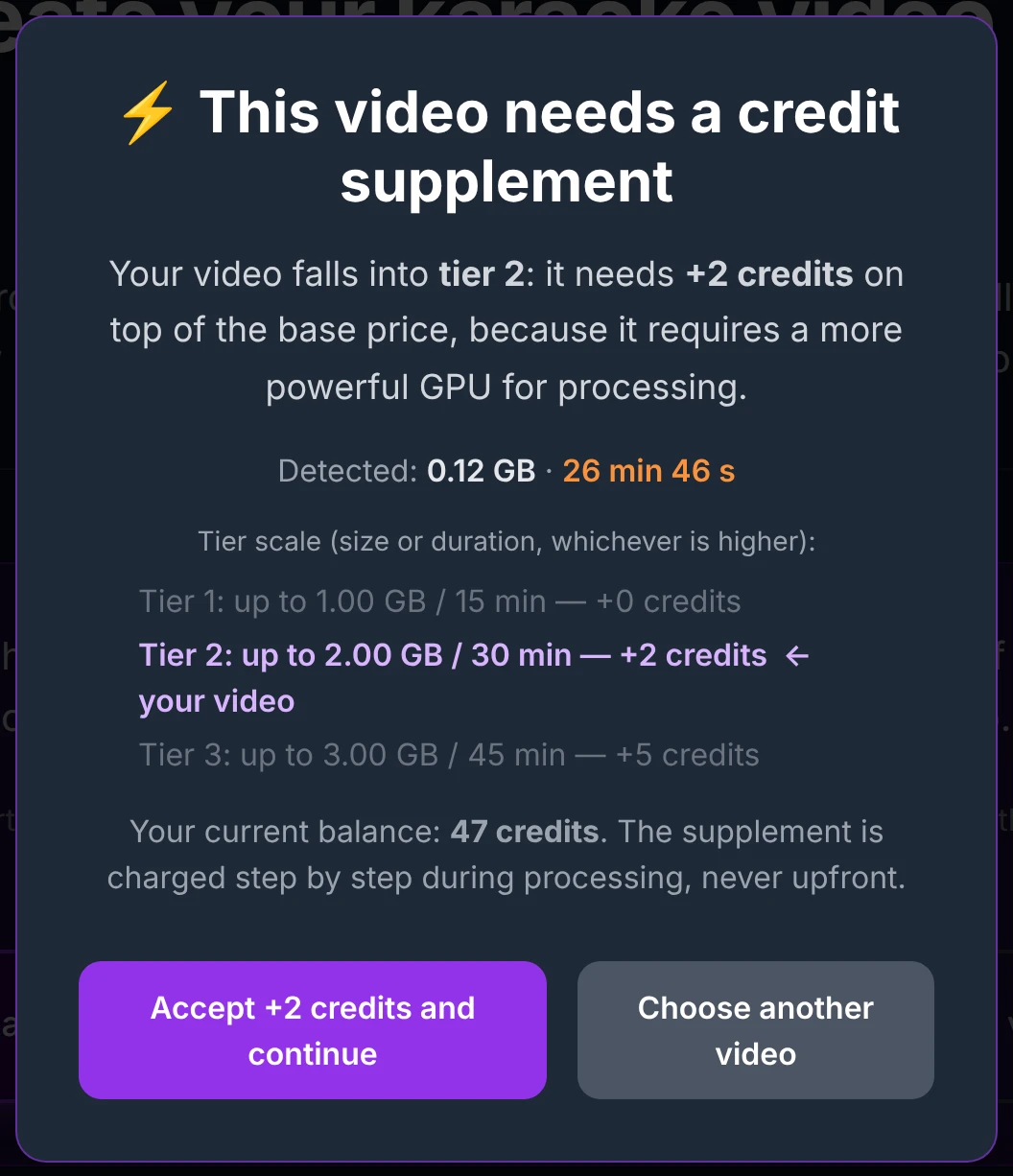
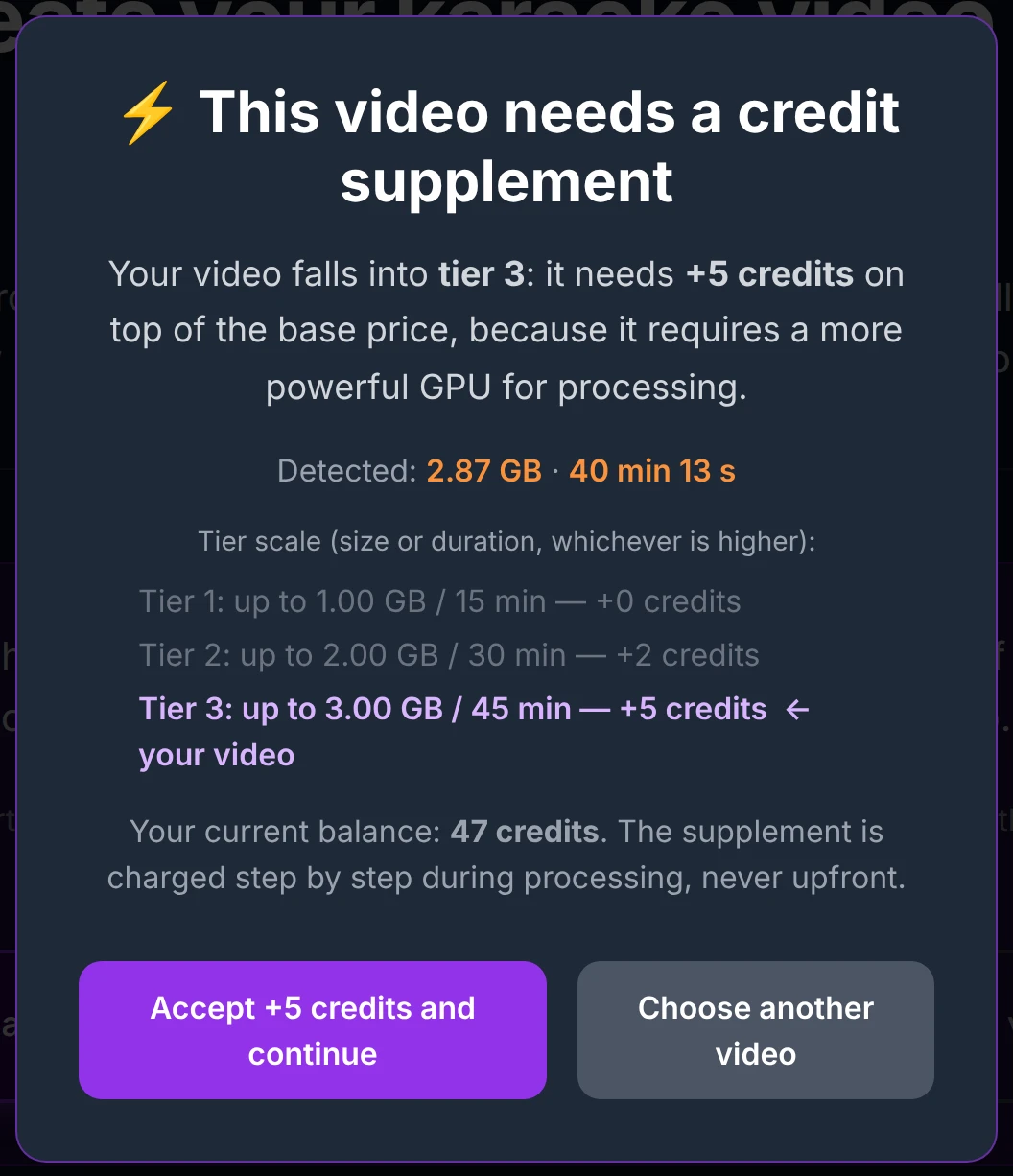
Your video's size and length place it in one of three tiers. The tier sets the base total for a finished video:
| Tier | Up to | Base total |
|---|---|---|
| Tier 1 (standard) | 15 min · 1 GB | 5 credits |
| Tier 2 | 30 min · 2 GB | 7 credits (+2) |
| Tier 3 | 45 min · 3 GB | 10 credits (+5) |
- The tier is decided by the first limit reached: a 3-minute clip that weighs 2.4 GB is Tier 3; a 35-minute video of 700 MB is Tier 2.
- The supplement is charged during the preparation steps, before you reach the editor — processing longer, heavier videos takes more computing power, and the audio-separation step produces several high-quality audio tracks that take up far more room than your original file. The final-video step stays at 3 credits in every tier.
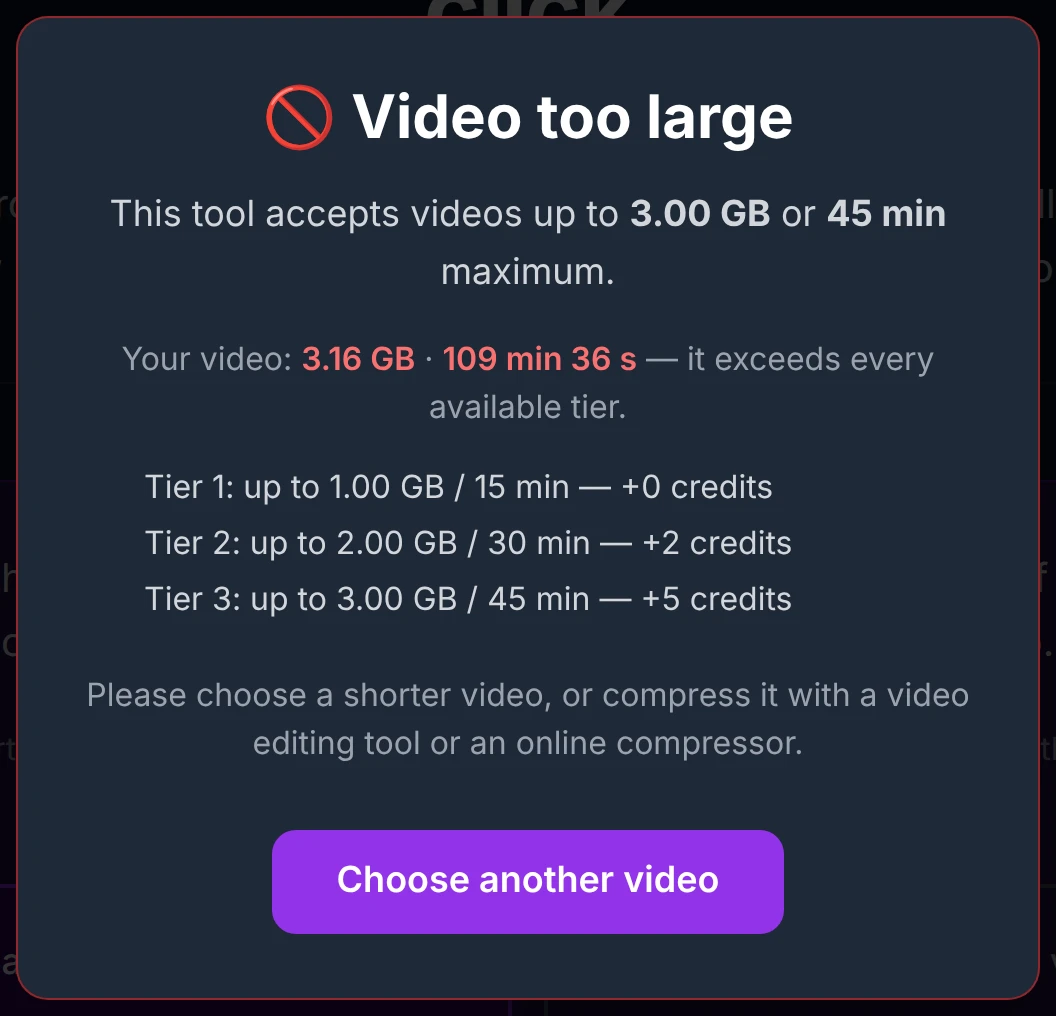
- Beyond Tier 3 (over 45 minutes or 3 GB), the video can't be processed and the upload is blocked.
When your video falls into Tier 2 or Tier 3, a confirmation appears at upload, before anything is charged:
What's included in every session
Once you reach the editor, a set of things are included — no extra credits:
- 15 previews. Short, watermarked clips (15–45 s) to check your work. Past 15, each additional block of 15 costs 1 credit. See Preview settings.
- 2 full videos. The first is billed within your 5 credits; the second is free — so you can regenerate to fix a detail, or build a completely different version (different subtitle styles, a translation in another language, and so on) at no extra cost.
- Full-length control copies. A 480p watermarked full-length copy is included 2 per block of 15 previews, and unused ones carry over. See Full subtitle control.
- A 24-hour workspace. Your project stays exactly where you left it for 24 hours — whether you stay on the page or come back later through the sign-in link (with token) sent to you by email.

To resume a project you've already started, always use the email link (with token) — not the launch link in the main-site menu. The menu link opens a new session and won't restore your work in progress. (This does mean you can work on two videos in parallel if you want.)
Optional extras during a session
All of these are optional, charged only when you choose them, and can be used as many times as you like:
| Extra | Cost | Notes |
|---|---|---|
| Extend your session (+24 h) | 1 / 2 / 3 credits | Price follows your video's tier. Your work and remaining quotas are preserved. |
| Unlock 2 more full videos | 1 / 2 / 3 credits | Price follows your tier. Adds a pack of 2 to your quota. |
| Synchronized translation | 1 credit | Charged once per language, on first activation; 0 for every later generation in that language — previews and full videos. Only one translated line is burned into a video, so changing the target language costs +1 (useful only if you picked the wrong one, or want to produce several .srt files to download). See Translation. |
| AI transcript correction | 1 credit | Optional, on the transcript screen (auto-transcription path only). You can always correct it yourself for free. |
| Neural alignment | 1 credit | Places each translated word on its exact musical moment — an optional quality upgrade over the free proportional timing. Run it once your annotations are set; editing them afterwards triggers a fresh alignment (+1). Charged only if it succeeds. See Neural alignment. |
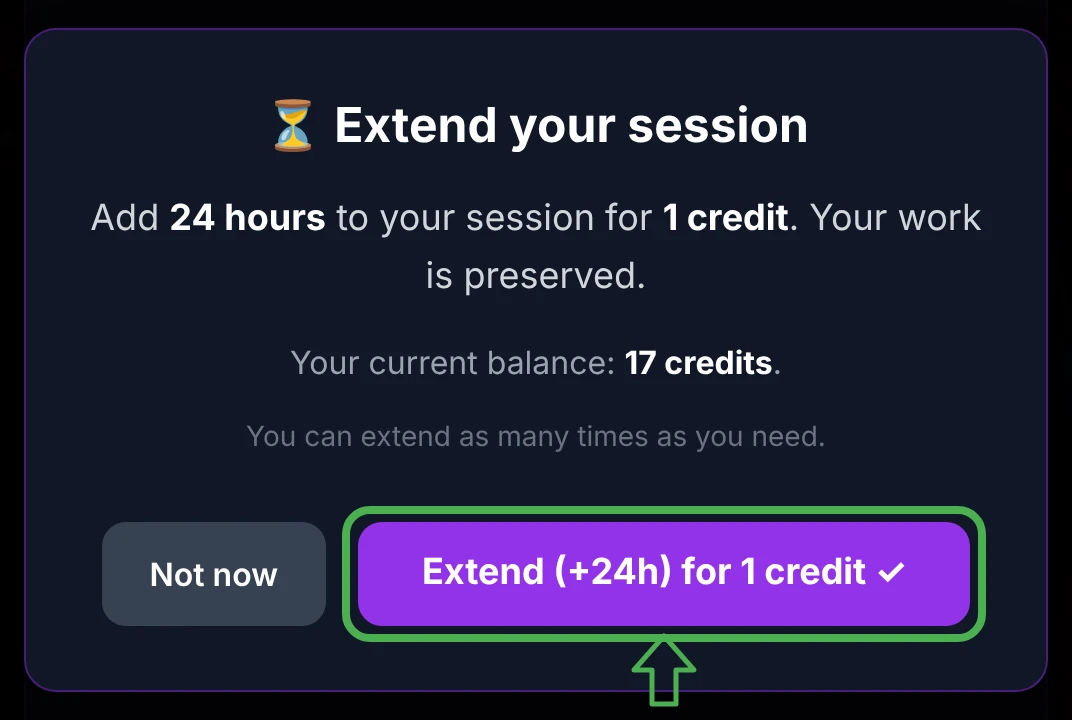
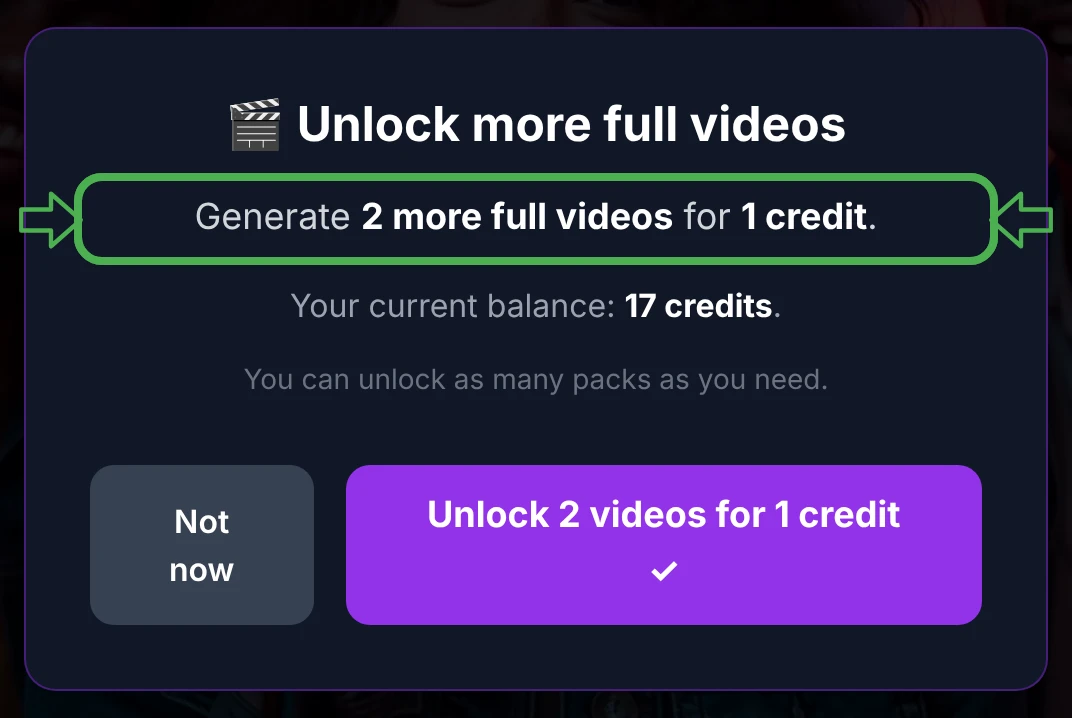
Extending your session never resets or consumes your quotas. Your remaining previews and full videos stay exactly as they were.
When a credit is not charged
You're never charged for something that didn't succeed. No credit is taken if:
- the audio separation, the alignment, or the final encoding fails on our side;
- a neural alignment fails;
- a translation can't be produced;
- you close the window before accepting a tier confirmation at upload.
And every credit that is spent is traceable in your account's transaction history on the main site, so you can always see where each one went.
Buying credits
You buy credits on the main site. An account is created automatically the first time you buy — there's no separate sign-up — and payment is by card (Stripe) or Google Pay.
The reference unit price is 1 credit = €1. Very small quantities cost a little more per credit (bank fees weigh more on tiny amounts), and larger packs include bonus credits, so the bigger the pack, the better the unit price:
| Pack | Bonus | You get | Price | Per credit |
|---|---|---|---|---|
| 1 credit | — | 1 | €1.50 | €1.50 |
| 2 credits | — | 2 | €2.80 | €1.40 |
| 5 credits | — | 5 | €5 | €1.00 |
| 10 credits | — | 10 | €10 | €1.00 |
| 20 credits | — | 20 | €20 | €1.00 |
| 50 credits | +5 | 55 | €50 | ≈ €0.91 |
| 100 credits | +20 | 120 | €100 | ≈ €0.83 |
| 200 credits | +50 | 250 | €200 | ≈ €0.80 |
| 500 credits | +150 | 650 | €500 | ≈ €0.77 |

The shop is always the source of truth for current packs and prices.
→ Top up on the main site: karaokeclip.video
You can also earn credits instead of paying for them:
- Referral — the social-share buttons on the main site carry your affiliate ID. If anyone (not necessarily someone you know) arrives through one of your shared links and buys, your account is credited with 50% of their first purchase, then 15% of their purchases for life.
- Content creators — display a discreet KaraokeClip logo on your public videos and receive free credits in return. See Logo / Watermark.
Full details are on the main site: karaokeclip.video.
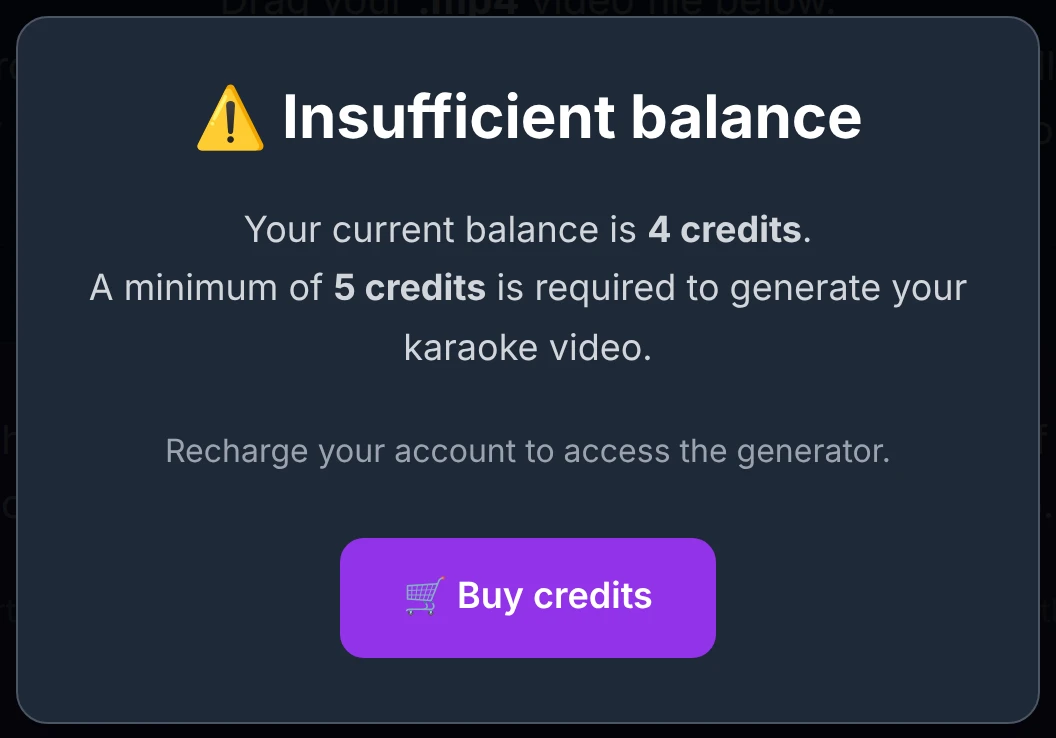
Creating a karaoke uses real processing power reserved for actual projects, so there are no free starter credits. You need at least 5 credits to open the generator.
A worked example
A 3-minute music-video clip of 200 MB, transcribed automatically, with one translation added:
| Step | Credits |
|---|---|
| Transcript screen | 1 |
| Editor arrival (after alignment) | 1 |
| First full video | 3 |
| Synchronized translation (one language) | 1 |
| Total | 6 |
Previews along the way (up to 15) are included, so trying different styles costs nothing.
Full reference — every possible charge
Show the complete list of debits
| When | Cost |
|---|---|
| Provided-lyrics path | |
| Editor arrival — Tier 1 | 2 |
| Editor arrival — Tier 2 | 4 |
| Editor arrival — Tier 3 | 7 |
| Auto-transcription path | |
| Transcript screen — Tier 1 | 1 |
| Transcript screen — Tier 2 | 2 |
| Transcript screen — Tier 3 | 4 |
| Editor arrival — Tier 1 | 1 |
| Editor arrival — Tier 2 | 2 |
| Editor arrival — Tier 3 | 3 |
| AI transcript correction (optional) | 1 |
| Both paths | |
| Previews 1–15 | 0 |
| Each additional block of 15 previews | 1 |
| First full video | (included in the totals above) |
| Second full video (included quota) | 0 |
| Unlock +2 full videos — Tier 1 / 2 / 3 | 1 / 2 / 3 |
| Extend session +24 h — Tier 1 / 2 / 3 | 1 / 2 / 3 |
| Translation — first activation per language | 1 |
| Translation — change of target language | 1 |
| Neural alignment | 1 |
FAQ
Do credits expire? Never. They stay on your account indefinitely until you use them — or transfer them to another account.
Do I pay if a generation fails? No. Credits are charged only when a step succeeds. A failed action costs nothing.
Is the second full video really free? Yes — two full videos are included, so you can regenerate once (to fix a detail) at no extra cost. Need more? Unlock a pack of 2 for 1–3 credits.
Does extending my session cost me my previews or videos? No. Extending never touches your counters, your settings, or the videos already encoded in the accordion panel — everything stays exactly as it is. It simply keeps your working folder from being deleted.
Can I get my subtitles without paying for a full video?
Yes — the subtitle files (.srt) are available from any generated preview, so you can download them without generating the full video. Note that a .srt file carries the text and its timing, but not the word-by-word / letter-by-letter karaoke effect, which is burned only into the final full video. This is also why payment is spread across each step: if all you want is the .srt files, the processing done upstream has already been paid for at each stage. See Download your subtitles.